Friday, April 14, 2023

Install SageMath in Google Colab

 CRYPTO DEEP TECH


In this article, we will do a fresh install SageMathin Google Colab. We previously published an article: “ Install SageMath for cryptanalysis on Fedora 64bit(10GB) Cloud Virtual Server ”, but in order to continue cryptanalysis of the Bitcoin blockchain, many of our readers prefer to use Debian and, Ubuntuin contrast to Fedora. As far as we know, Google Colab it has been updated to "Ubuntu 20.04.5 LTS".

We can check this by running the command:

!cat /etc/lsb-release

Install SageMath in Google Colab

Therefore "Ubuntu 20.04.5 LTS", the version allows us to install only SageMath version 9.0, Release Date: 2020-01-01

Using the standard install command:

!sudo apt-get install -y sagemath-common

Install SageMath in Google Colab

Unfortunately this version does not work properly.

For a complete cryptanalysis, we will install in Google Colab a completely new version SageMath version 9.3

File: Install_SageMath_in_Google_Colab.ipynb we published in GitHub

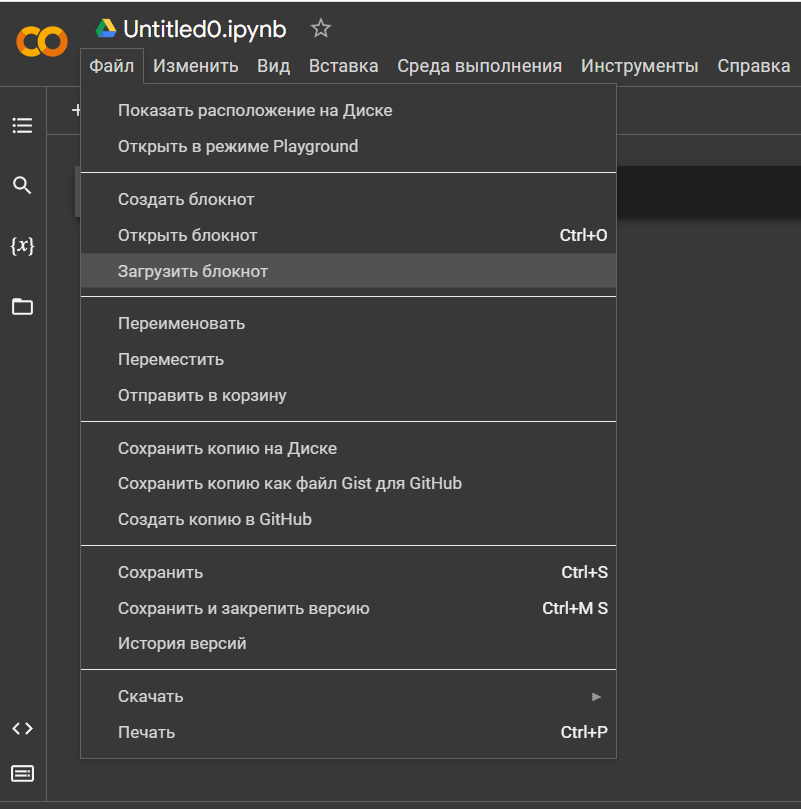
Let’s go to the official website: https://colab.research.google.com

Select the option “Upload notepad”

Install SageMath in Google Colab

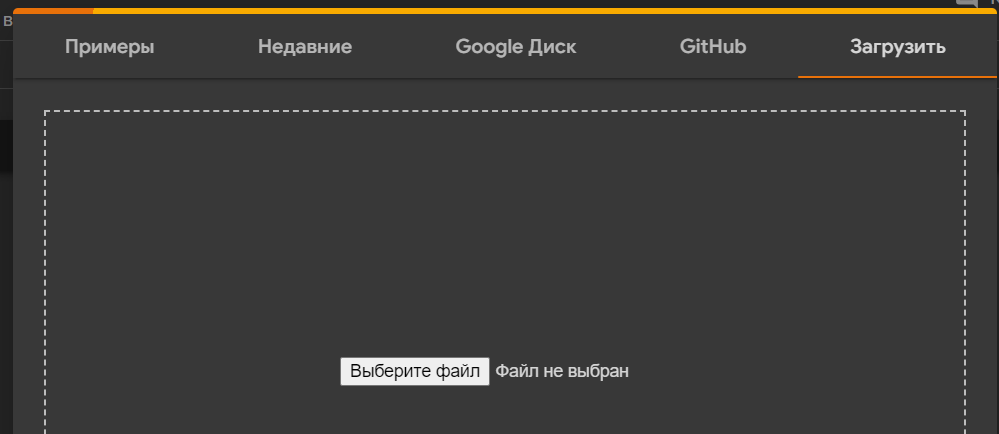
Upload the file: Install_SageMath_in_Google_Colab.ipynb

Install SageMath in Google Colab

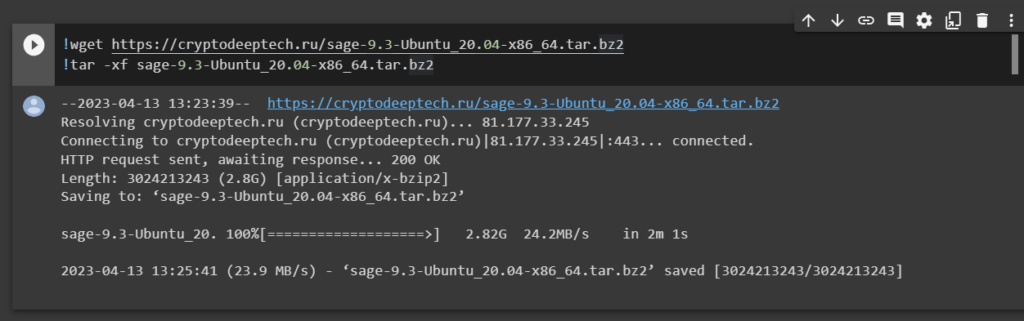
Now, through the utility, wget download tar-filesage-9.3-Ubuntu_20.04-x86_64.tar.bz2

!wget https://cryptodeeptech.ru/sage-9.3-Ubuntu_20.04-x86_64.tar.bz2
!tar -xf sage-9.3-Ubuntu_20.04-x86_64.tar.bz2
Install SageMath in Google Colab

Let’s go through the directory:

cd SageMath/

Install SageMath in Google Colab

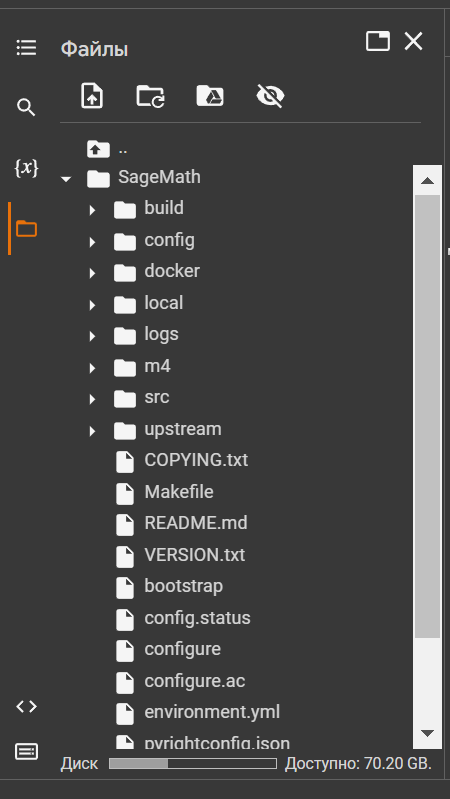
Open the panel and go to the folder: SageMath

Install SageMath in Google Colab

Check if Python-script: relocate-once.py is there


Install SageMath in Google Colab

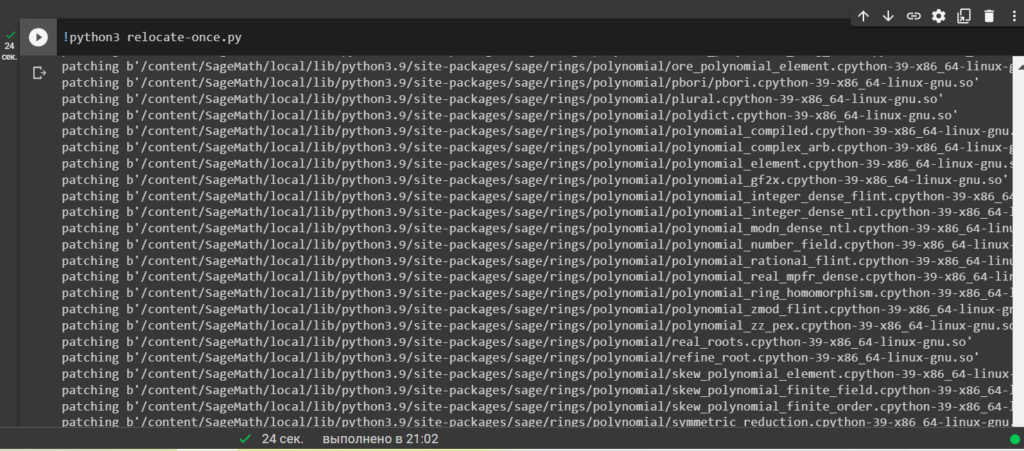
Run Python-script: relocate-once.py with the command:

!python3 relocate-once.py
Install SageMath in Google Colab

All is ready!

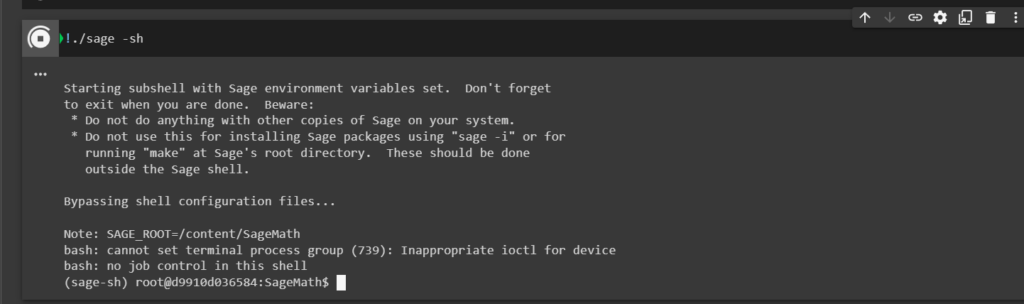
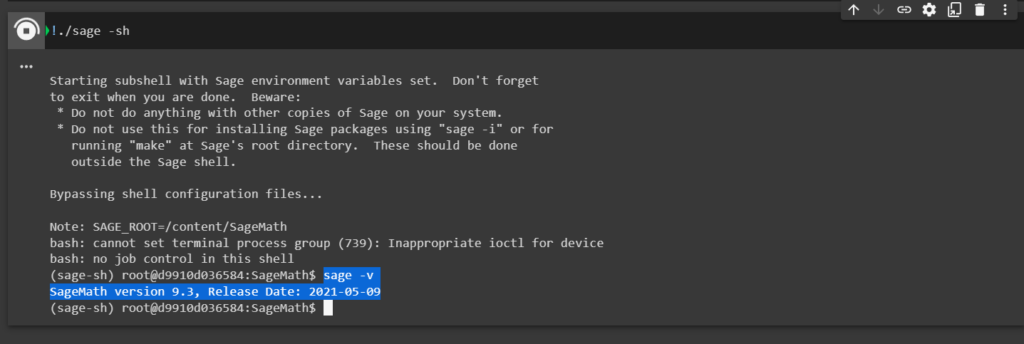
Now let’s run SageMath the command:

!./sage -sh
Install SageMath in Google Colab

Let’s run the version check command:

sage -v
Install SageMath in Google Colab

All right!

We’ve got a new version: SageMath version 9.3, Release Date: 2021-05-09


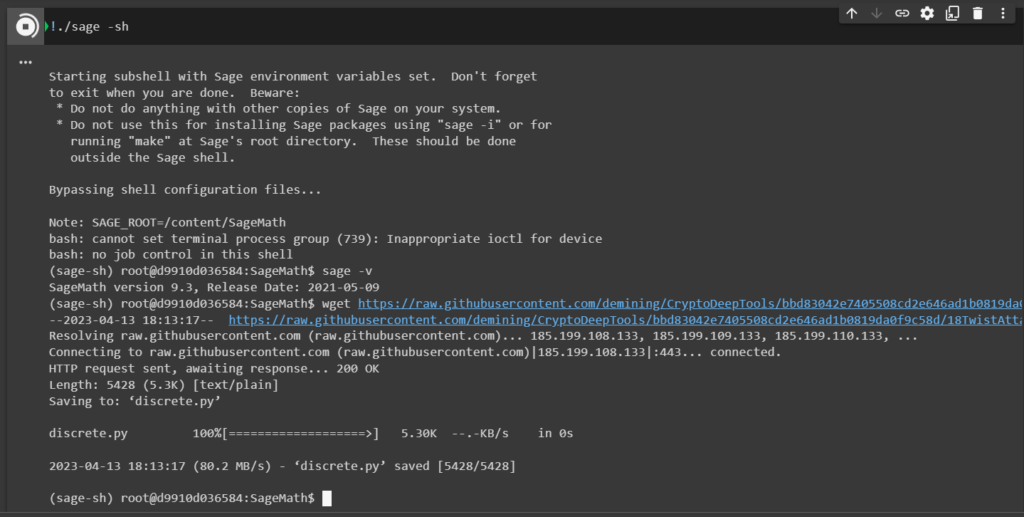
Implementing the Twist Attack algorithm , download   Python-script:discrete.py

wget https://raw.githubusercontent.com/demining/CryptoDeepTools/bbd83042e7405508cd2e646ad1b0819da0f9c58d/18TwistAttack/discrete.py
Install SageMath in Google Colab

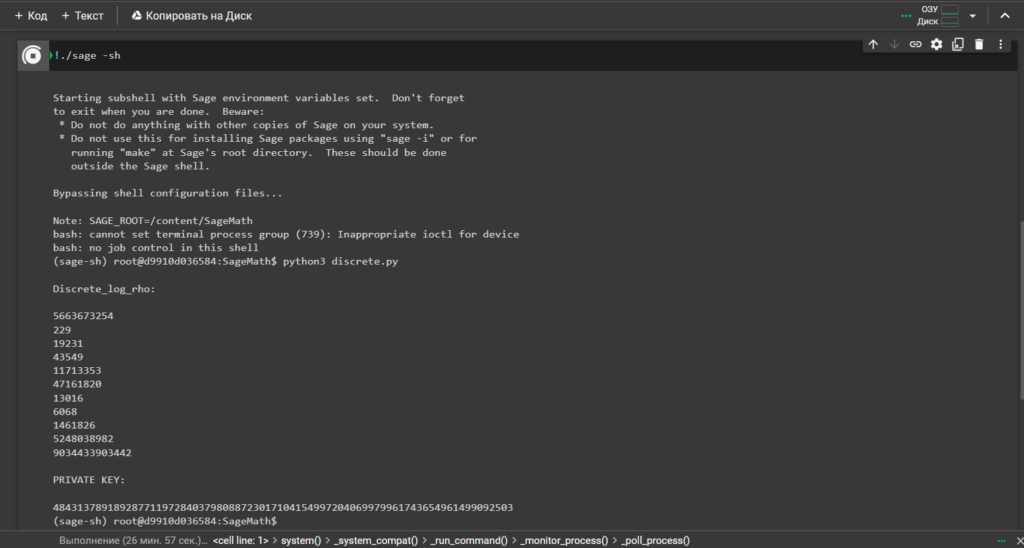
To solve the discrete logarithm  (Pollard's rho algorithm for logarithms) run  Python-script:discrete.py

Now, to get the private key, we just need to run the command:

python3 discrete.py
Install SageMath in Google Colab

Sage Math 9.3  solve the discrete logarithm problem (Pollard's rho algorithm for logarithms)


Now everything is working properly!

We received the private key to the Bitcoin Wallet in decimal format, then for cryptanalysis we need to follow the instructions of the article dedicated to  Twist Attack


Source

Telegram: https://t.me/cryptodeeptech

Video: https://youtu.be/DBu0UnVe0ig

Source: https://cryptodeeptech.ru/install-sagemath-in-google-colab


Install SageMath in Google Colab

Sunday, April 9, 2023

Install SageMath for cryptanalysis on Fedora 64bit(10GB) Cloud Virtual Server


In this article, we will show in detail on slides how to install “SageMath” on a Fedora 30 64bit (10GB) cloud virtual server. For example, we will use the “DIGITAL RUBLE TECH” server . Previously, we used the Google Colab cloud service to install “SageMath” , but unfortunately, due to the latest updates, not all components for cryptanalysis of the Bitcoin blockchain work properly.

Registration:

First we need to create a personal account, we will register on the site: https://digitalruble.tech/cloud


Install SageMath for cryptanalysis on Fedora 64bit(10GB) cloud virtual server

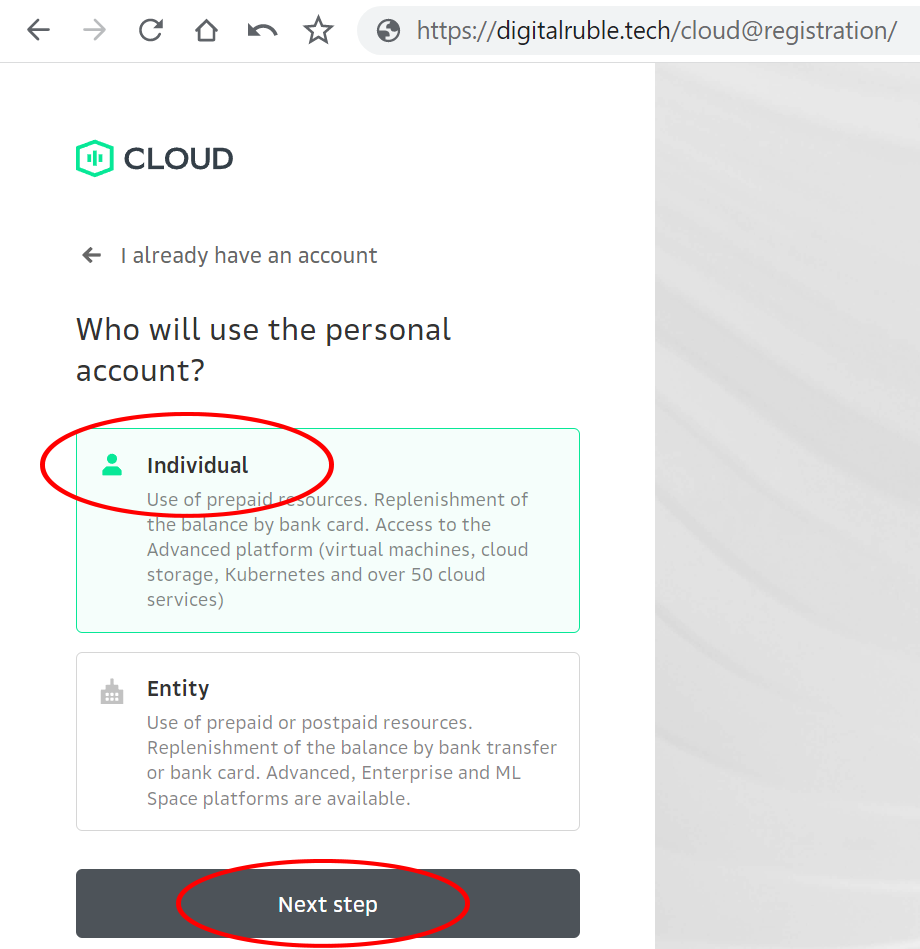
Choose the option: Individual

Install SageMath for cryptanalysis on Fedora 64bit(10GB) cloud virtual server

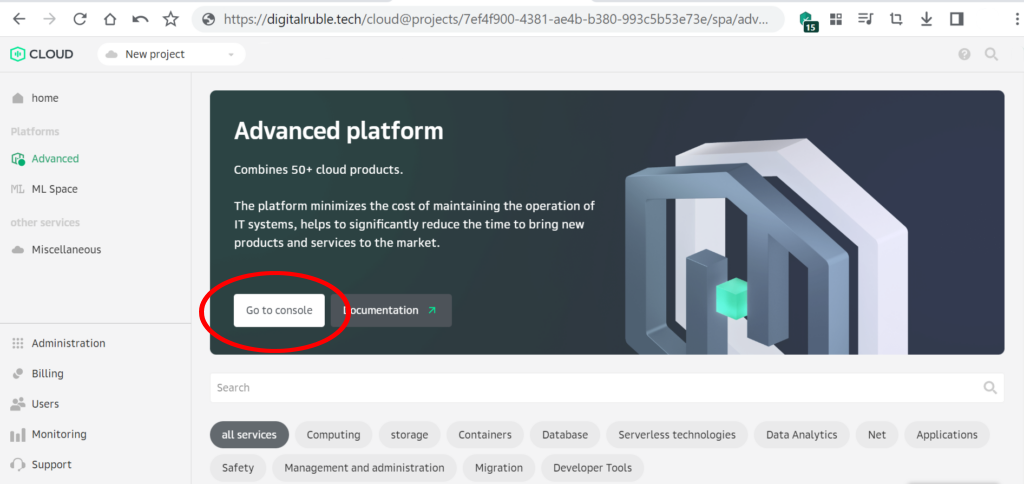
Let’s start the console

Install SageMath for cryptanalysis on Fedora 64bit(10GB) cloud virtual server

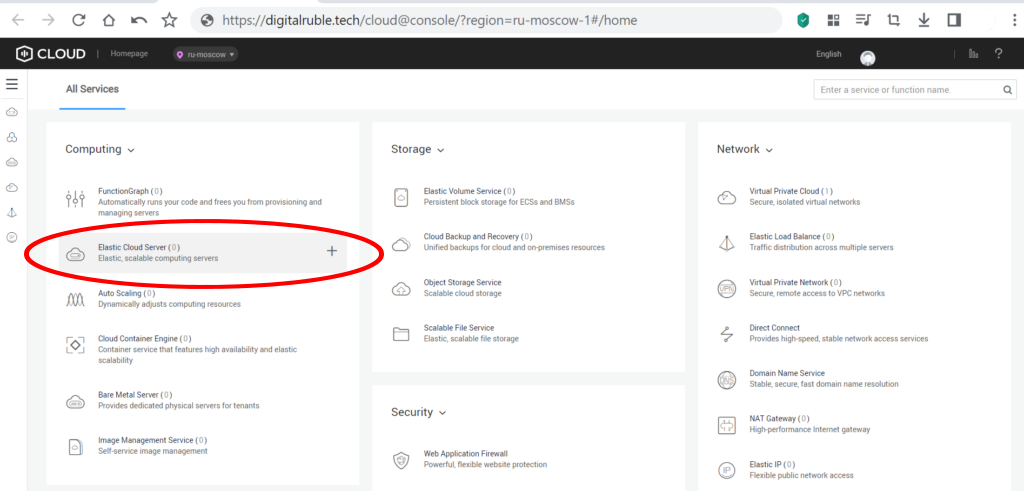
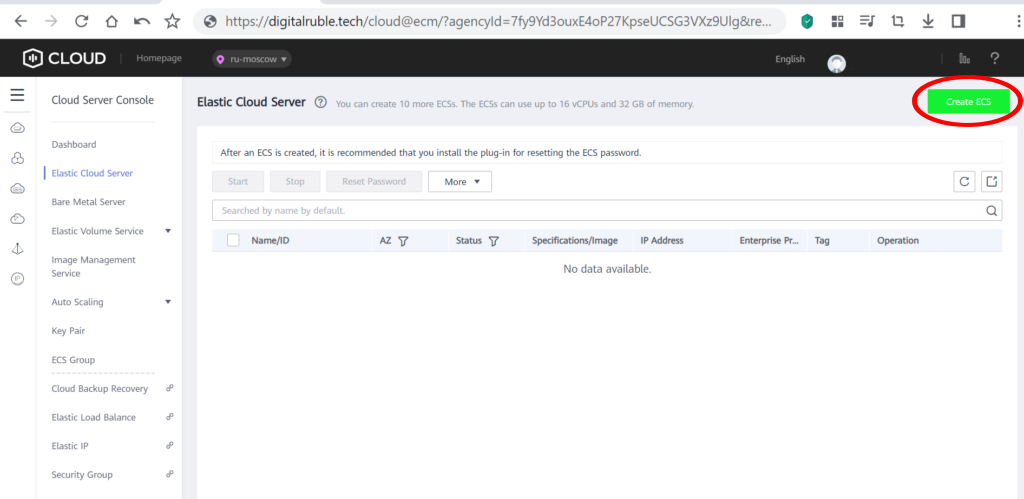
Go to the option: Elastic Cloud Server

Install SageMath for cryptanalysis on Fedora 64bit(10GB) cloud virtual server

Create an Elastic Cloud Server

Install SageMath for cryptanalysis on Fedora 64bit(10GB) cloud virtual server

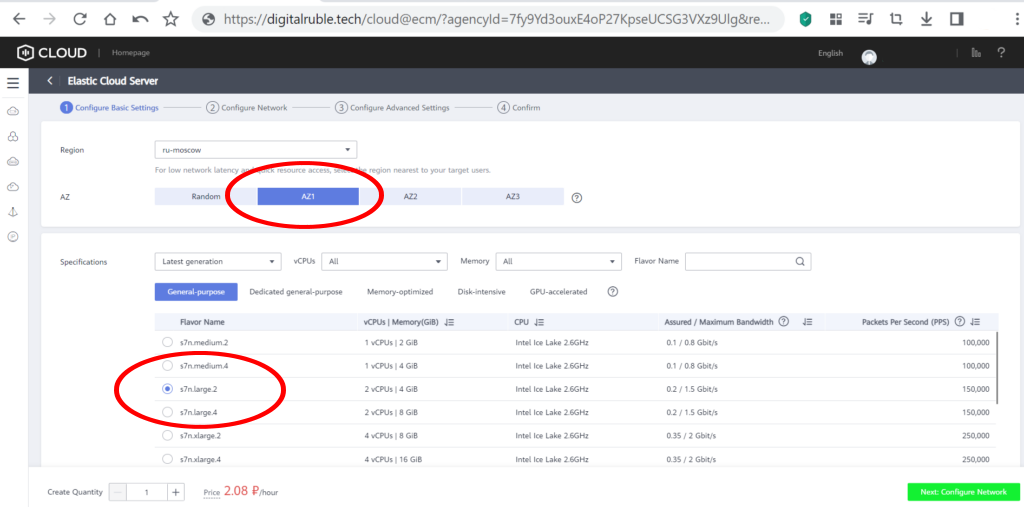
We select the parameters we need:

Install SageMath for cryptanalysis on Fedora 64bit(10GB) cloud virtual server

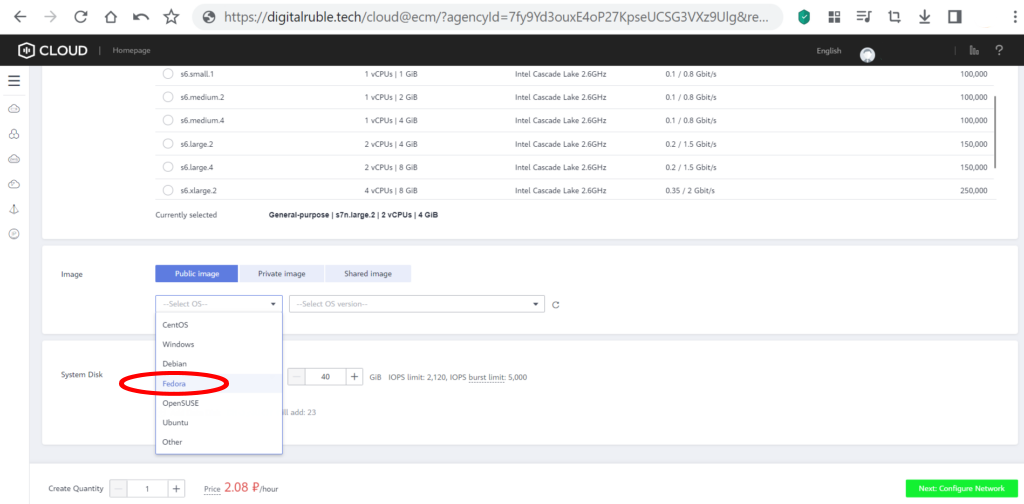
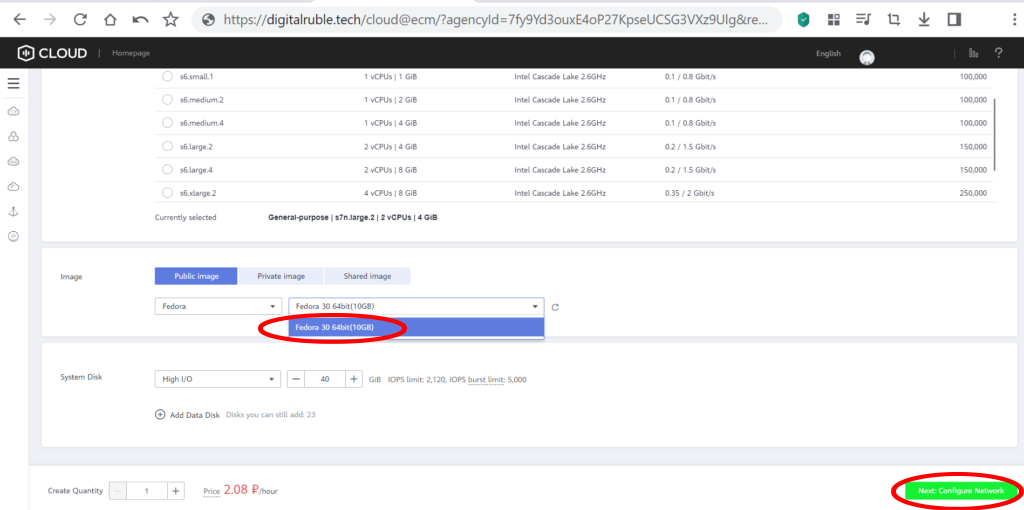
Specify   Fedora 30 64bit(10GB)

Install SageMath for cryptanalysis on Fedora 64bit(10GB) cloud virtual server

Install SageMath for cryptanalysis on Fedora 64bit(10GB) cloud virtual server

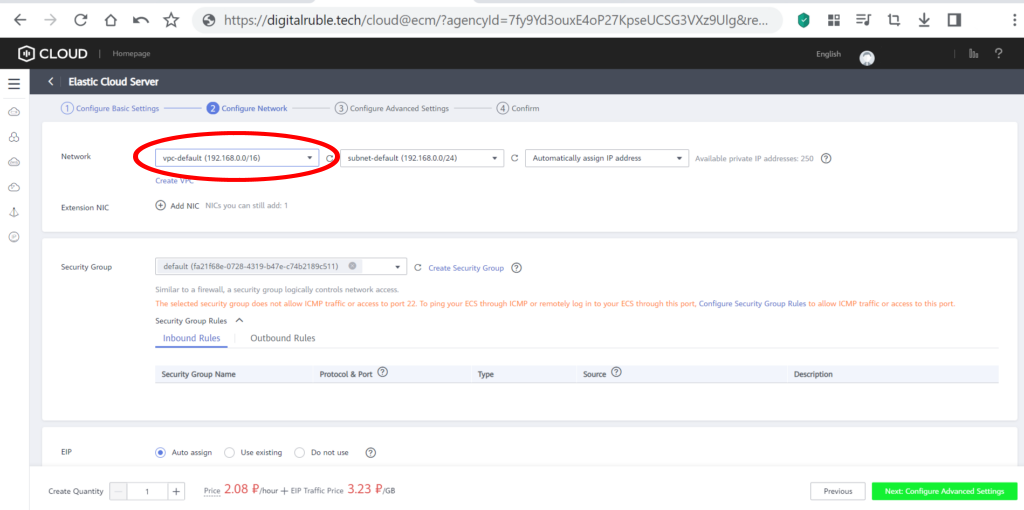
Choose the VPC you need for your network

Install SageMath for cryptanalysis on Fedora 64bit(10GB) cloud virtual server

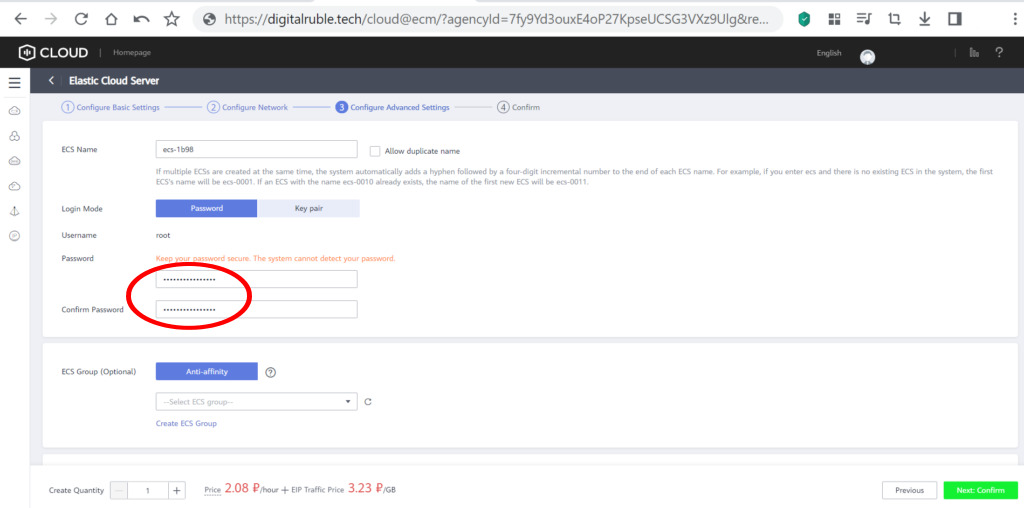
Set and remember your own password

Install SageMath for cryptanalysis on Fedora 64bit(10GB) cloud virtual server

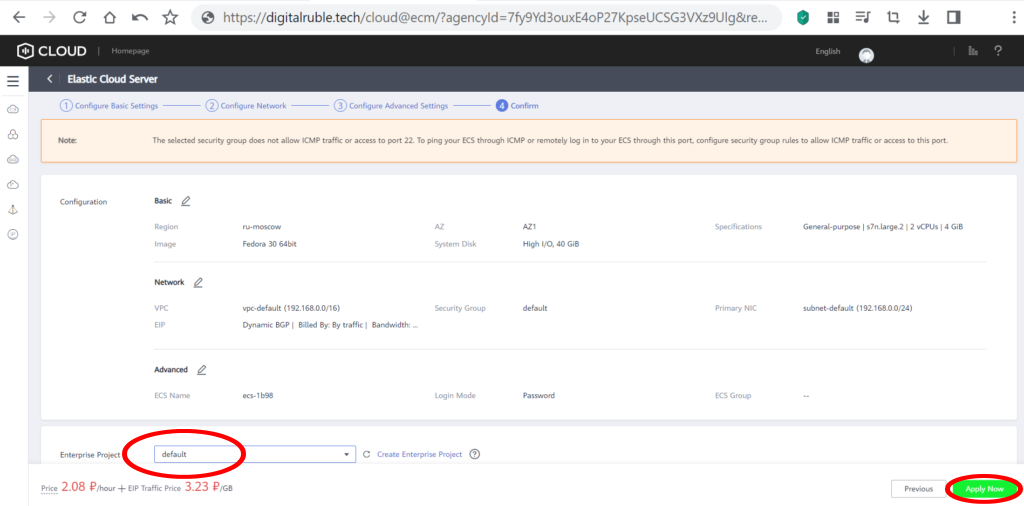
Save the configuration

Install SageMath for cryptanalysis on Fedora 64bit(10GB) cloud virtual server

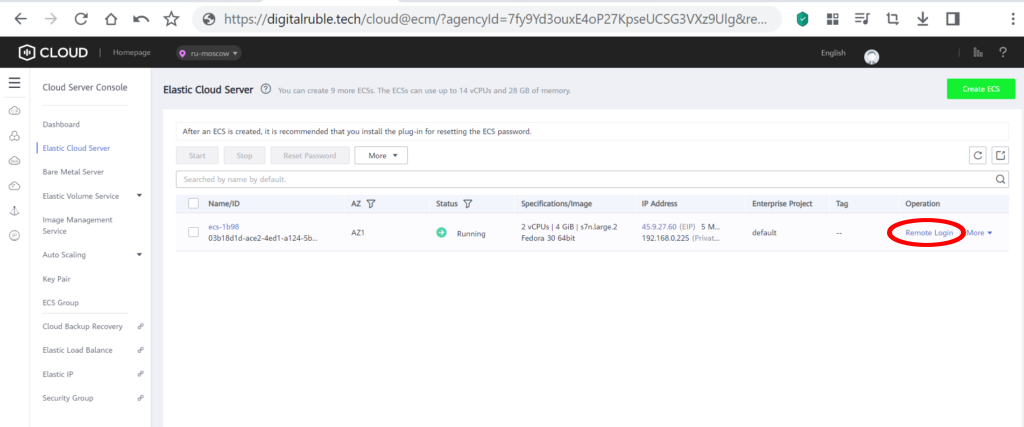
Cloud virtual server  Fedora 30 64bit(10GB)  successfully created!To enter the terminal, click: Remote Login

Install SageMath for cryptanalysis on Fedora 64bit(10GB) cloud virtual server

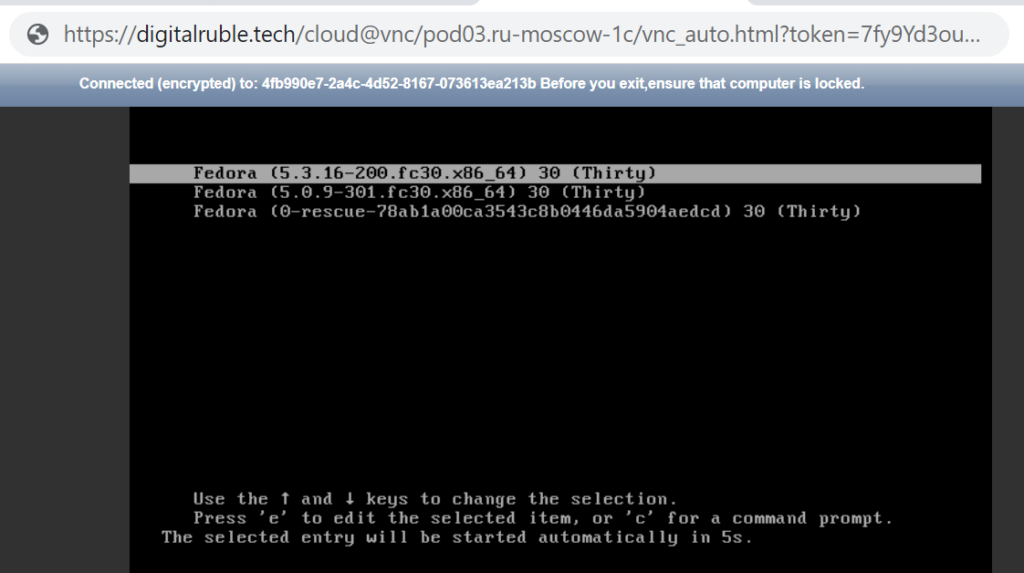
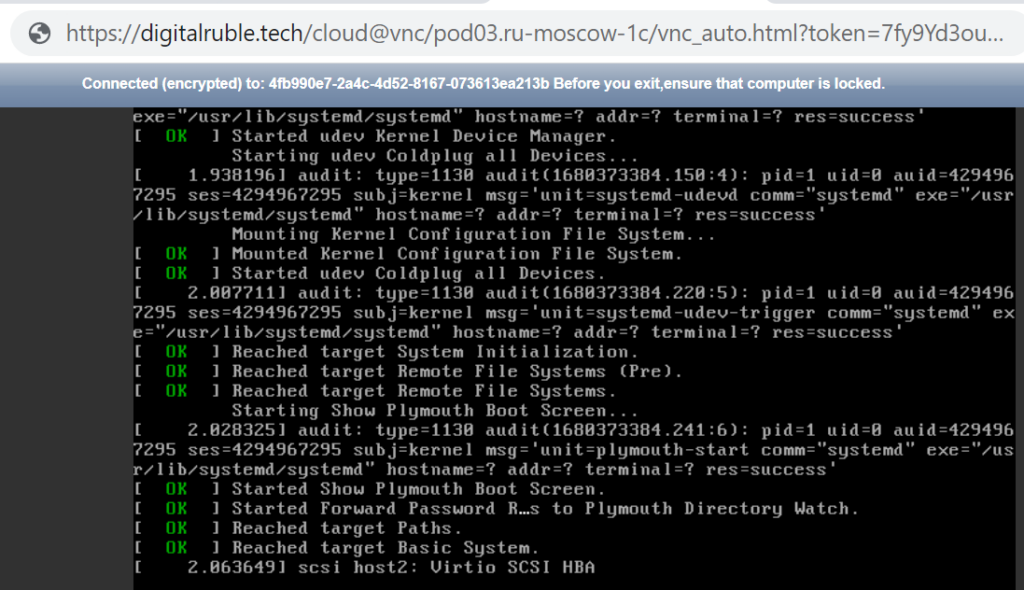
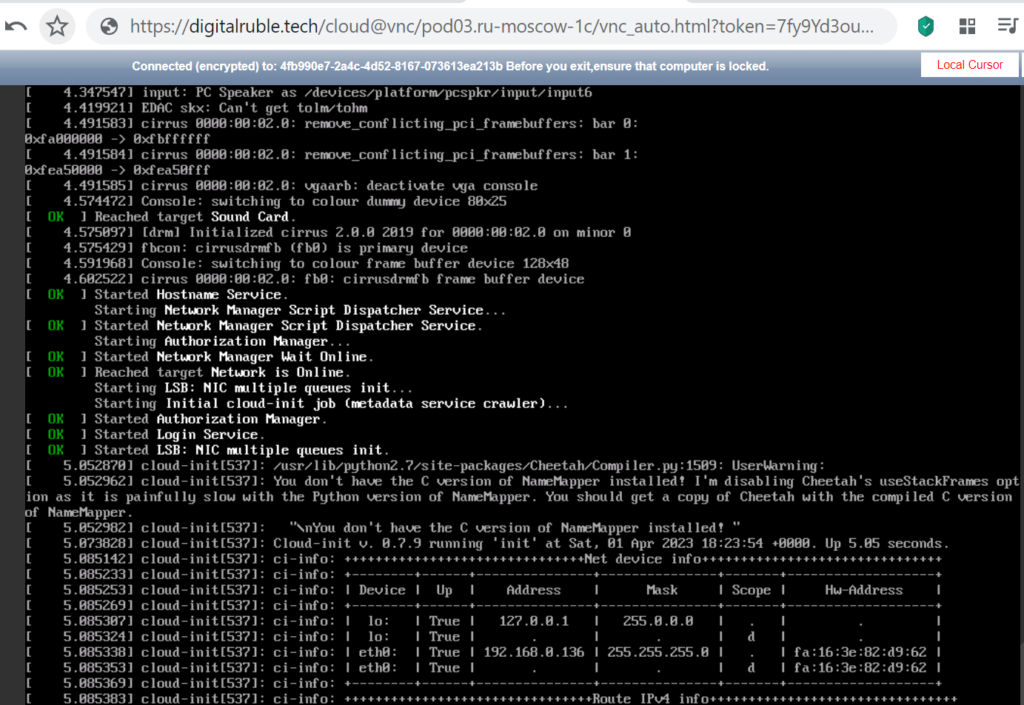
A terminal opened for us with the installation of a cloud virtual server and Fedora 30 64bit (10GB) 

Install SageMath for cryptanalysis on Fedora 64bit(10GB) cloud virtual server

Install SageMath for cryptanalysis on Fedora 64bit(10GB) cloud virtual server

Install SageMath for cryptanalysis on Fedora 64bit(10GB) cloud virtual server

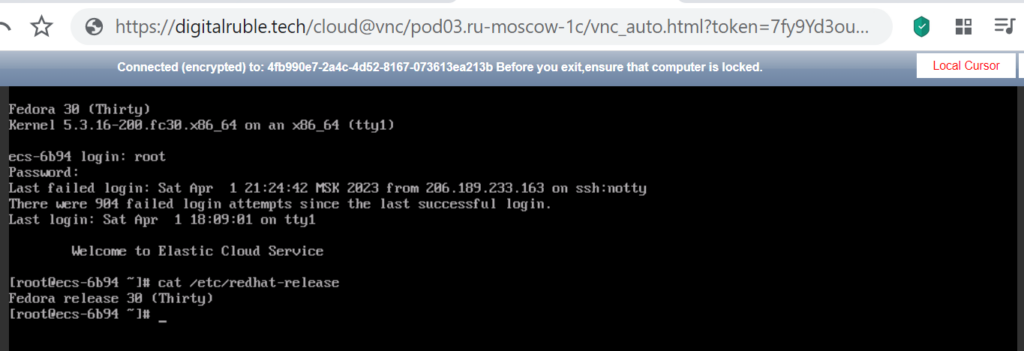
Check the installation, run the command:

cat /etc/redhat-release
Install SageMath for cryptanalysis on Fedora 64bit(10GB) cloud virtual server

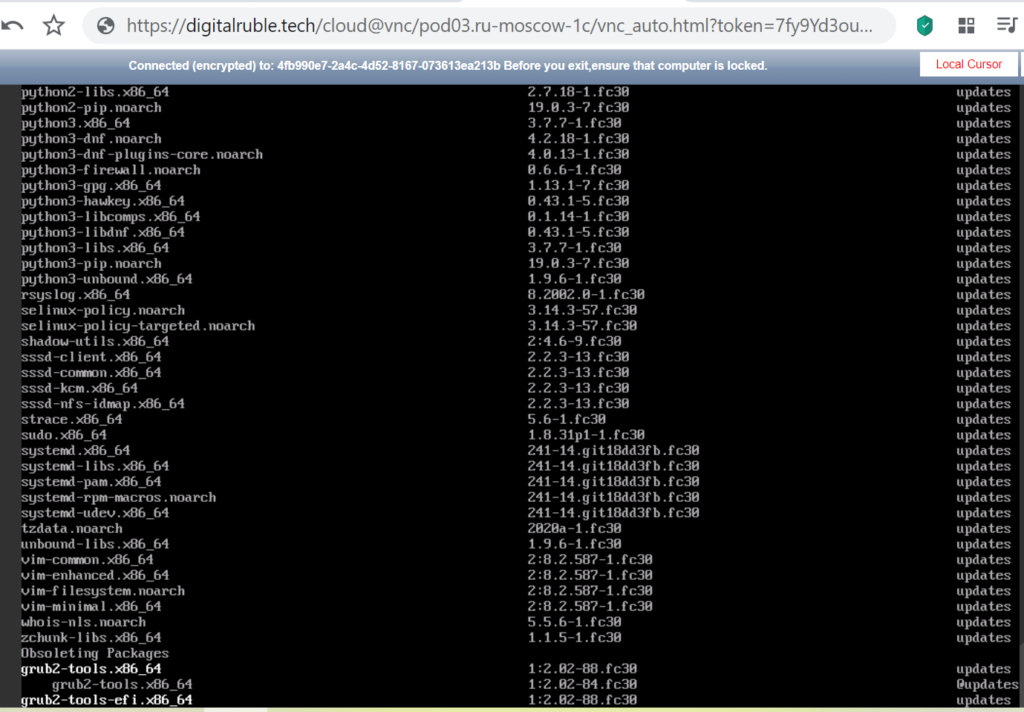
Let’s update our server, run the command:

dnf check-update
Install SageMath for cryptanalysis on Fedora 64bit(10GB) cloud virtual server

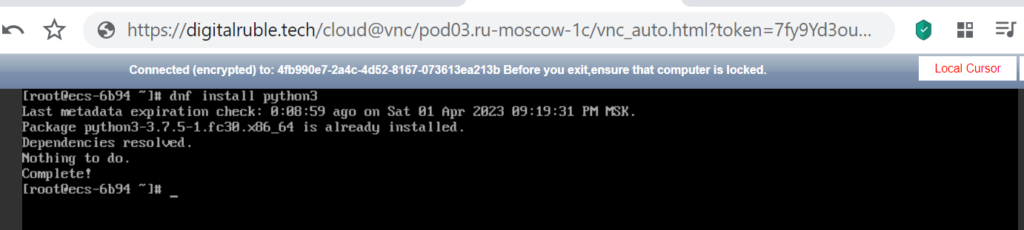
Install Python 3 , run the command:

dnf install python3
Install SageMath for cryptanalysis on Fedora 64bit(10GB) cloud virtual server

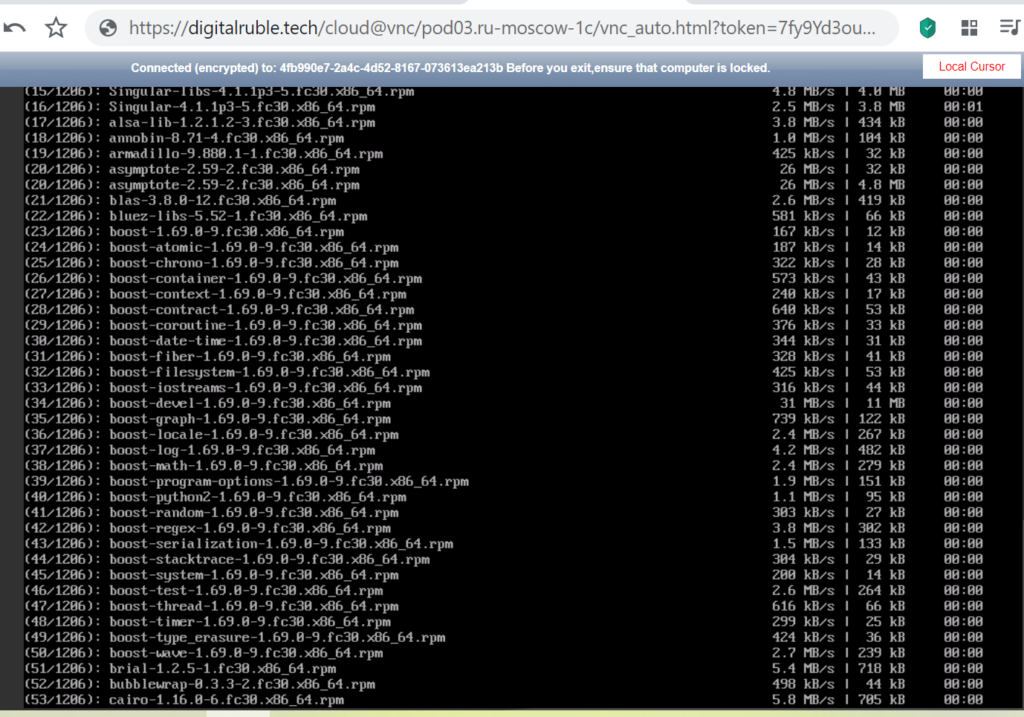
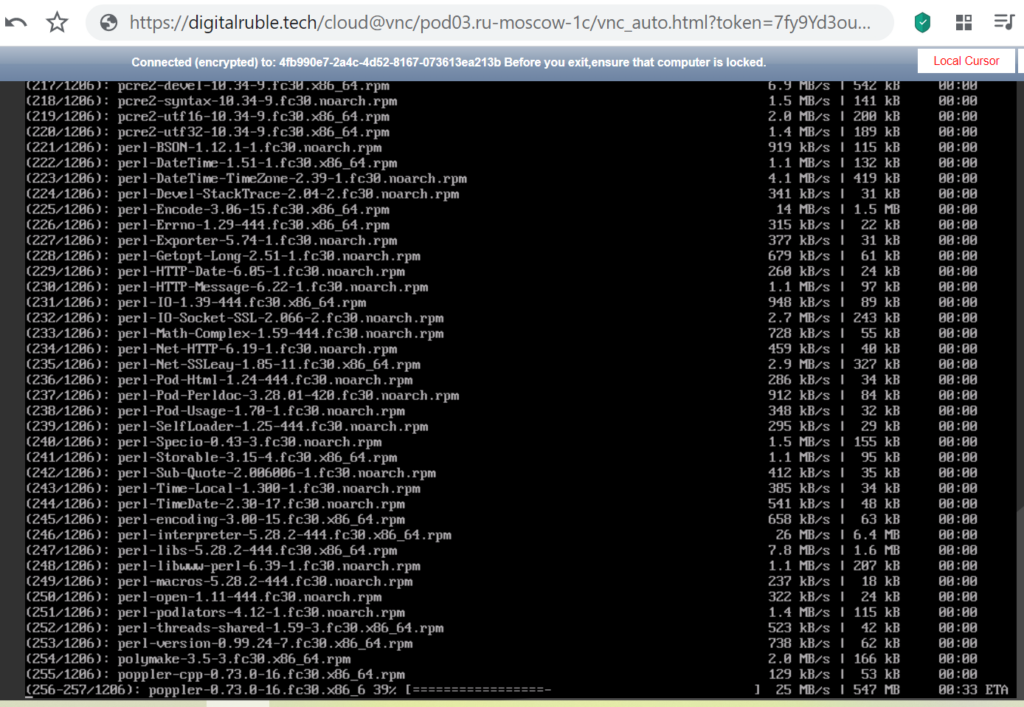
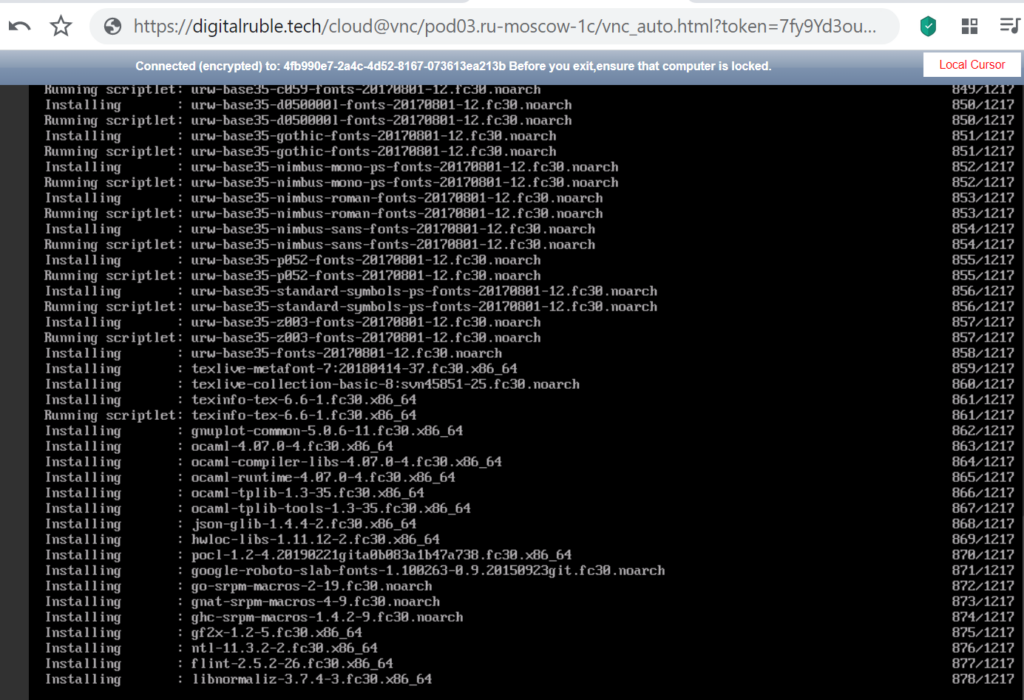
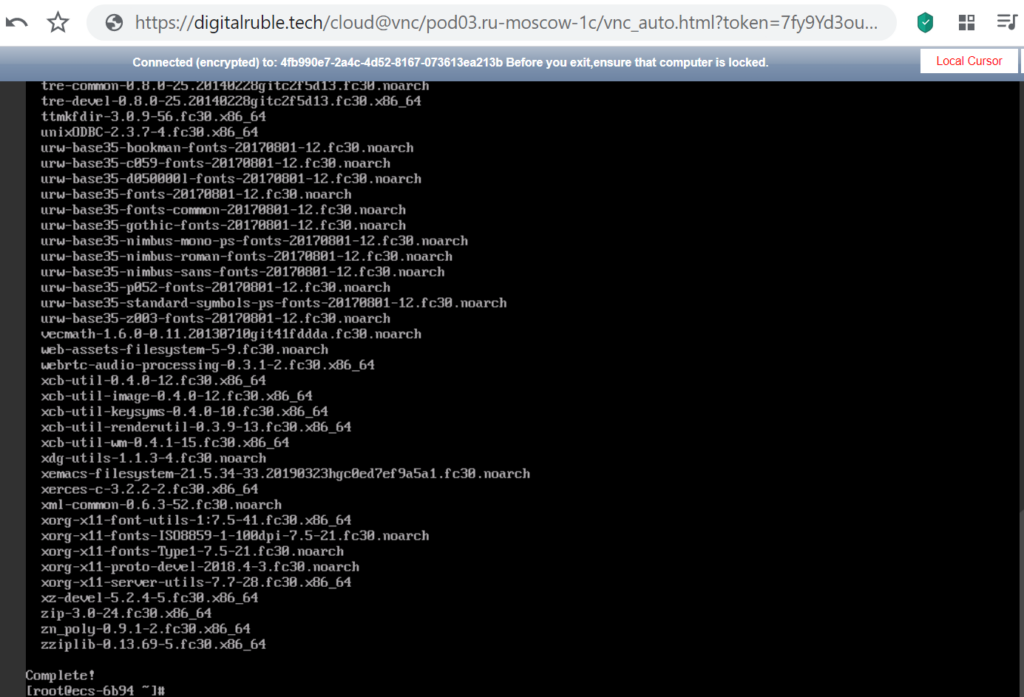
Install SageMath , run the command:

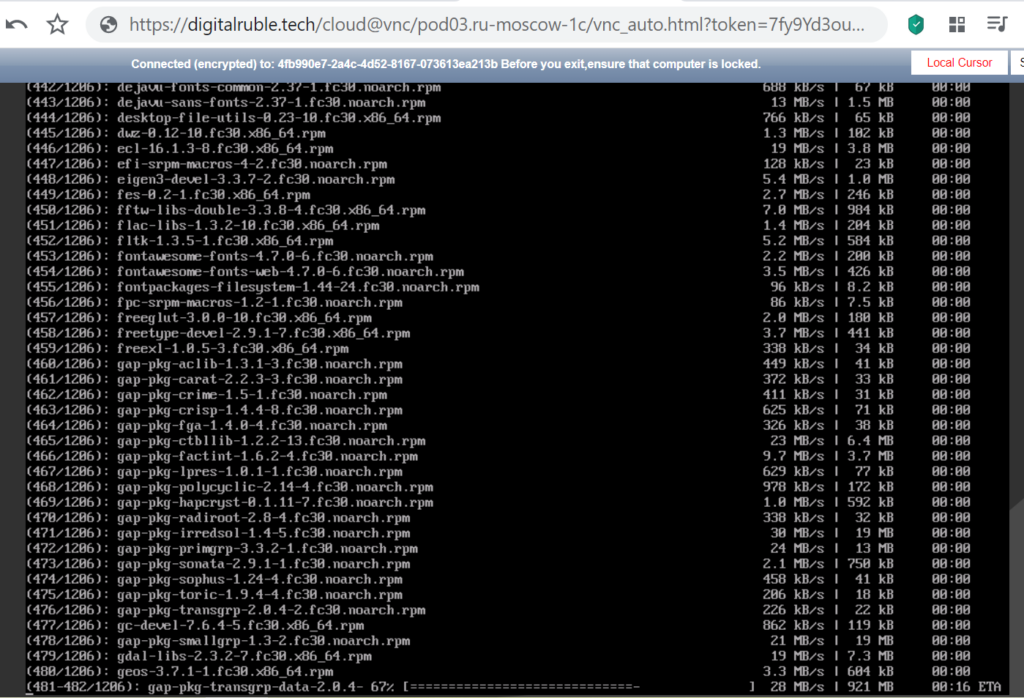
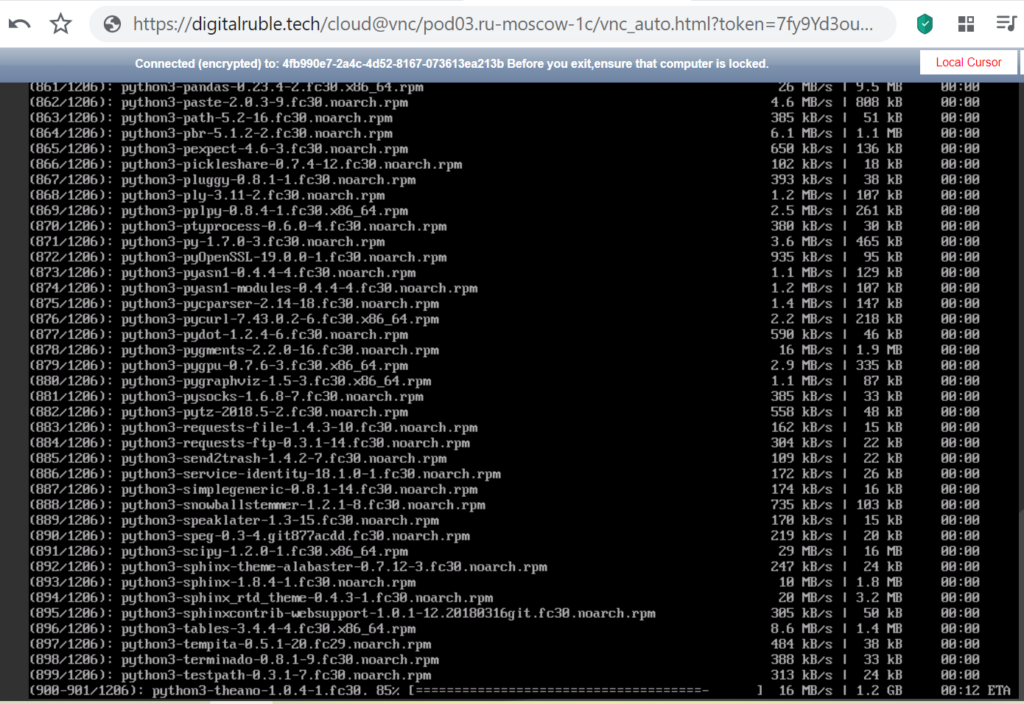
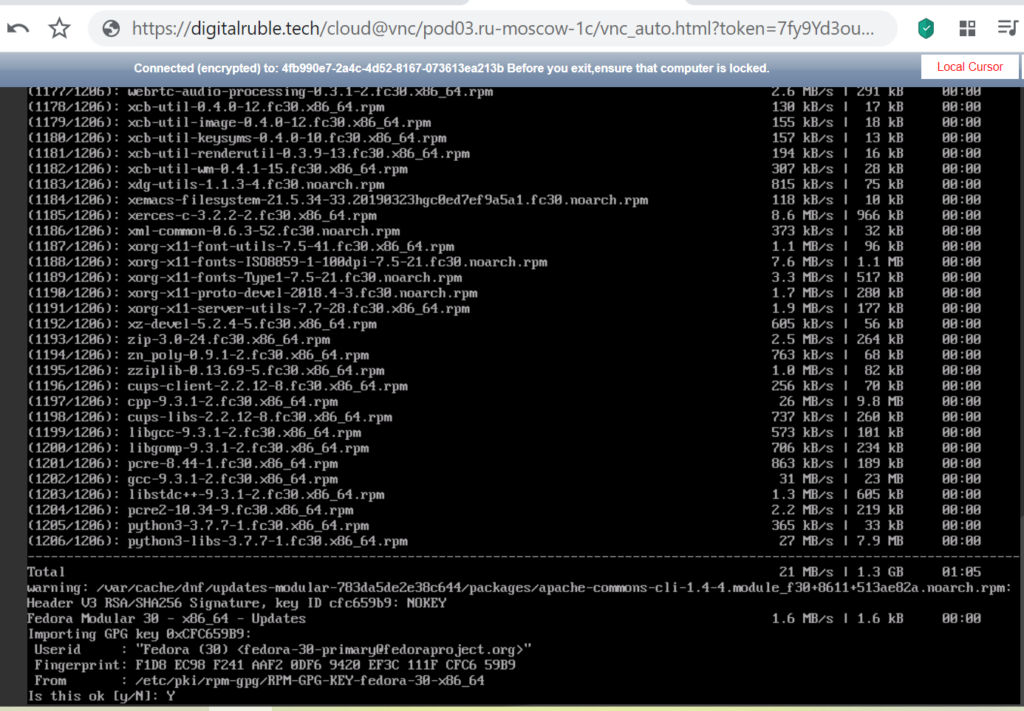
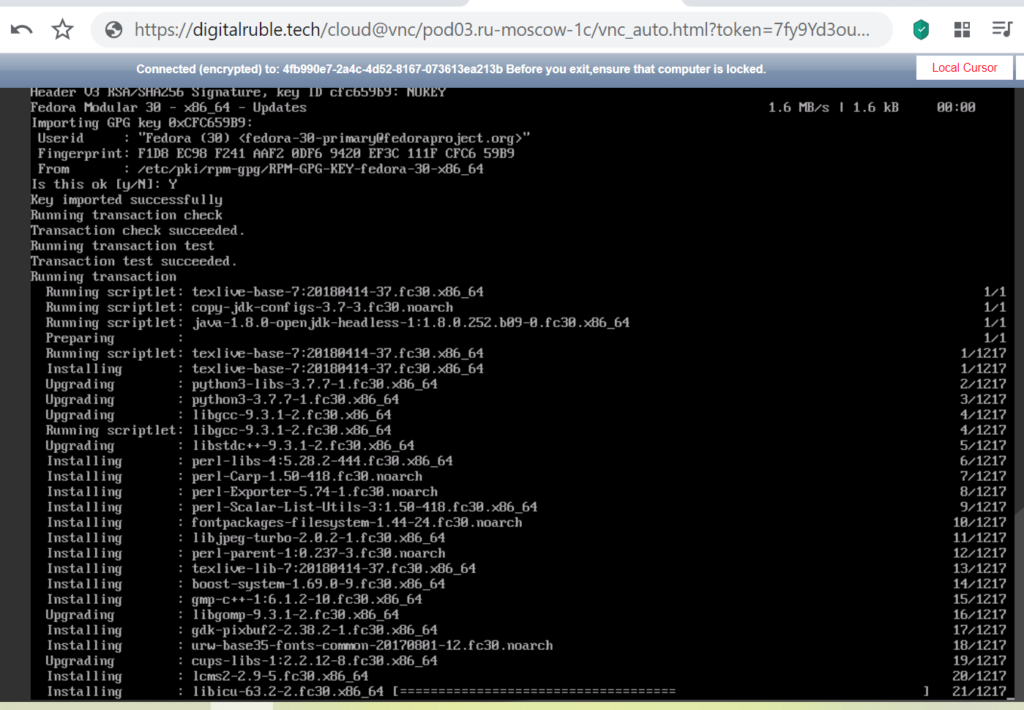
dnf install sagemath
Install SageMath for cryptanalysis on Fedora 64bit(10GB) cloud virtual server

Verify the SageMath installation

sage -v
Install SageMath for cryptanalysis on Fedora 64bit(10GB) cloud virtual server

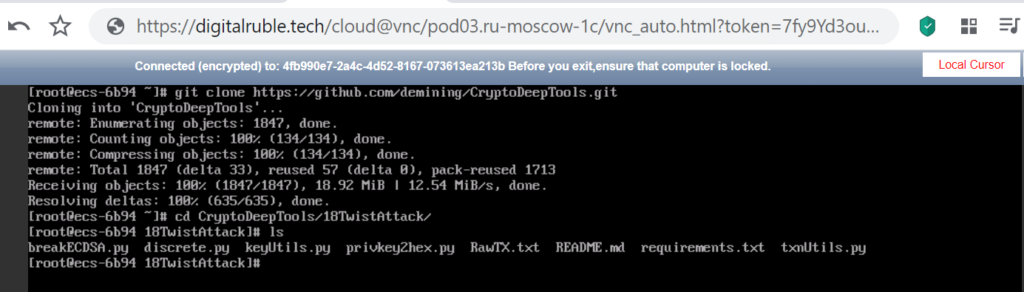
Implementing the  Twist Attack algorithm  using our  18TwistAttack repository

git clone https://github.com/demining/CryptoDeepTools.git

cd CryptoDeepTools/18TwistAttack/

ls
Install SageMath for cryptanalysis on Fedora 64bit(10GB) cloud virtual server

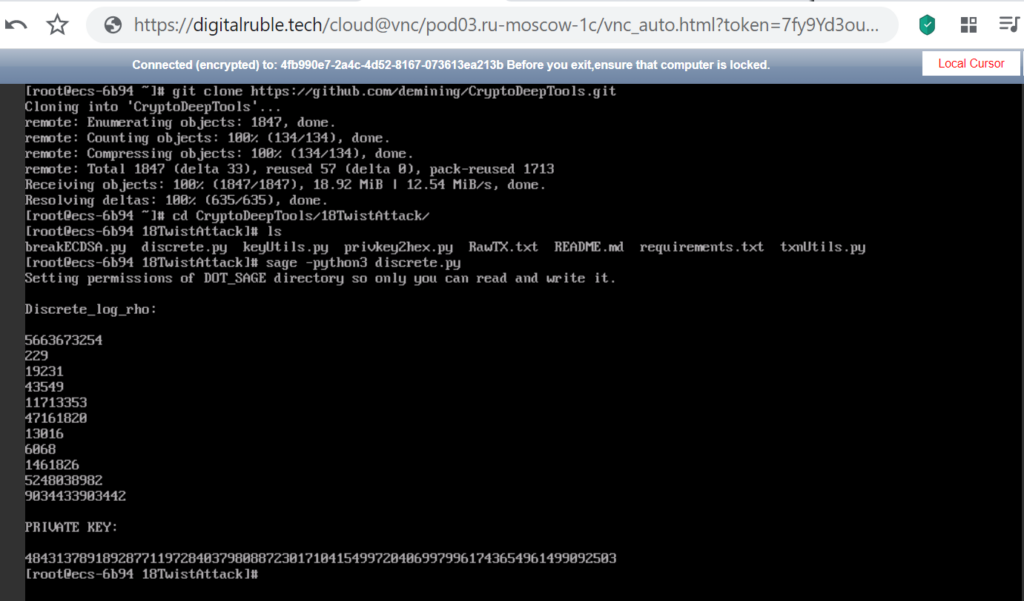
To solve the discrete logarithm  (Pollard's rho algorithm for logarithms) run  Python-script: discrete.py

Run command:

sage -python3 discrete.py
Install SageMath for cryptanalysis on Fedora 64bit(10GB) cloud virtual server

Sage Math Completed the Discrete Logarithm Problem (Pollard's rho algorithm for logarithms)

Now everything is working properly!

We received the private key to the Bitcoin Wallet in decimal format, then for cryptanalysis we need to follow the instructions of the article dedicated to Twist Attack


Source

DIGITAL RUBLE TECH

Telegram: https://t.me/cryptodeeptech

Video: https://youtu.be/xHnTDRgZwvE

Source: https://cryptodeeptech.ru/install-sagemath-on-fedora


Install SageMath for cryptanalysis on Fedora 64bit(10GB) cloud virtual server

Phantom Curve Attack: How the Pollard–Kangaroo Algorithm Exposes Private Keys of Lost Bitcoin Wallets via Low-Entropy Nonces under Exponential Degradation of the Secret Key Parameter “K”

  Crypto Deep Tech This paper provides a comprehensive cryptanalysis of the   Dark Skippy  attack , a specialized implementation of a fundam...